Route promptMedium
City route
Tokyo city grid
Search for Tokyo Station, Japan inside the game.
Objective
Find a broad avenue, cross a river, and finish near a landmark without leaving the road.
Real roads. One browser. No installer.
Drive anywhere on Earth in Hop Earth, officially styled Hop.Earth. Open the original browser game in a separate official window, choose a real-world location, and keep this guide available here.
Official game, separate window
Press Play to open hop.earth in a focused game window. This guide remains available in the original tab.
Route roulette
Pick a road style, get a location prompt, and give your next run a clear objective.
Explore every challengeCity route
Search for Tokyo Station, Japan inside the game.
Find a broad avenue, cross a river, and finish near a landmark without leaving the road.
Route inspiration
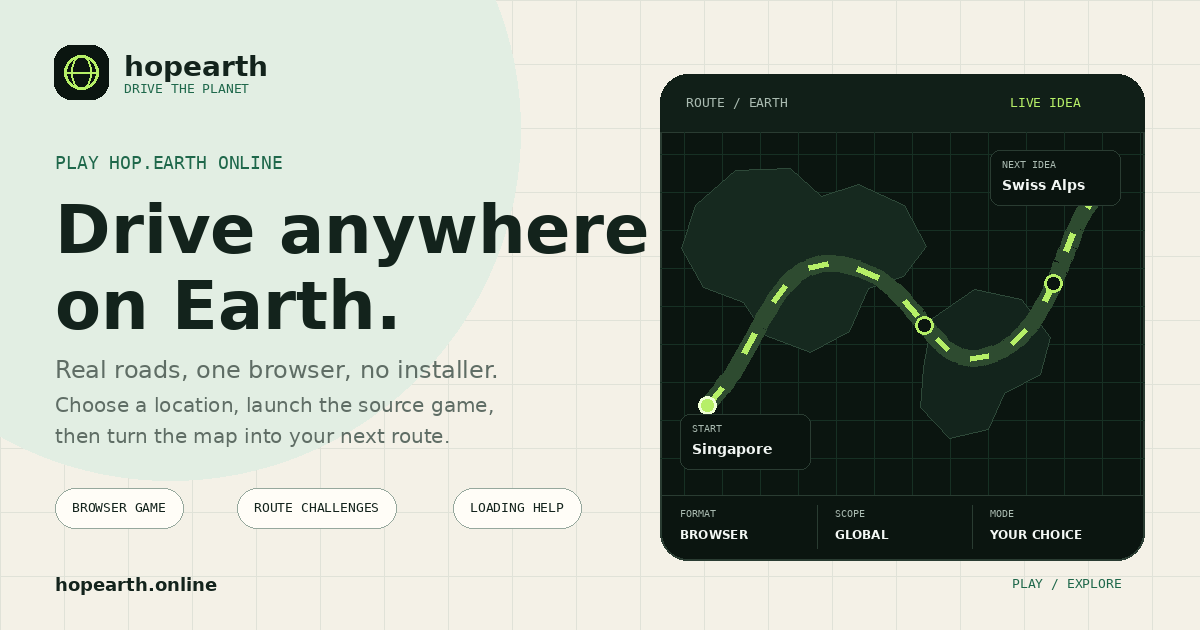
This route board is only a prompt. Open the game window first, then use a city, coast, or mountain road as the goal for your next run.
Your first five minutes
Hop.Earth builds the playable scene from live services. A calm first launch makes it easier to tell the difference between loading, focus, and vehicle controls.
Begin with a broad road network while you learn how the scene and camera behave.
Let roads and terrain finish appearing before repeating reset or vehicle actions.
Keyboard input belongs to the window you last focused. Click the official game before pressing movement keys.
The current game interface is the final authority when controls or modes change.
Guides that solve a job
Use the shortest guide for the problem in front of you. No fake downloads, no filler steps, and the game can stay open while you read.
Keyboard reference, focus tips, first-drive sequence, and recovery advice.
Open guide 02Separate popup blocking, browser problems, graphics trouble, and source outages.
Run checks 03Choose city, mountain, coast, or scenic prompts for your next session.
Pick a route 04See other real-map, Street View, and open-world driving experiences.
Compare gamesClear boundaries
Direct official windowThe launcher opens hop.earth directly instead of relaying the game through Hopearth.
Separate contextThe guide cannot read account fields, inputs, or gameplay state in the game window.
Lower request loadNo game document or asset requests pass through Hopearth's Cloudflare Workers.
Quick answers
Practical details about the player, route prompts, privacy, and loading.
Choose Play Hop.Earth and Hopearth.online opens the official game in a focused browser window. This guide stays available in the original tab.
No desktop installer is normally required. Hop.Earth is delivered as a browser game, so the safest starting point is the official game window opened by this page.
They are editorial prompts that help you choose a place and a simple driving goal. They do not change the source game or guarantee that every road will render with the same level of detail.
The source game prepares a 3D scene and requests its own account, road, terrain, and live-service data. Any of those services can make the official game window take longer to become playable.
No. Sign-in, keyboard input, and live gameplay stay in the separate hop.earth window. Hopearth.online does not receive or relay those game requests.
Primary source opened by the homepage game launcher.
MIT-licensed runnable slice and technical description.
Community context for the road-data foundation.
Early user discussion and launch context.
Independent coverage of the browser-game concept.
Sources were last checked on August 7, 2026. Product behavior can change after publication.